
Running an AI review on Third Party Paper - Initial Redlines + Counter-Redlines
First review of third party paper:
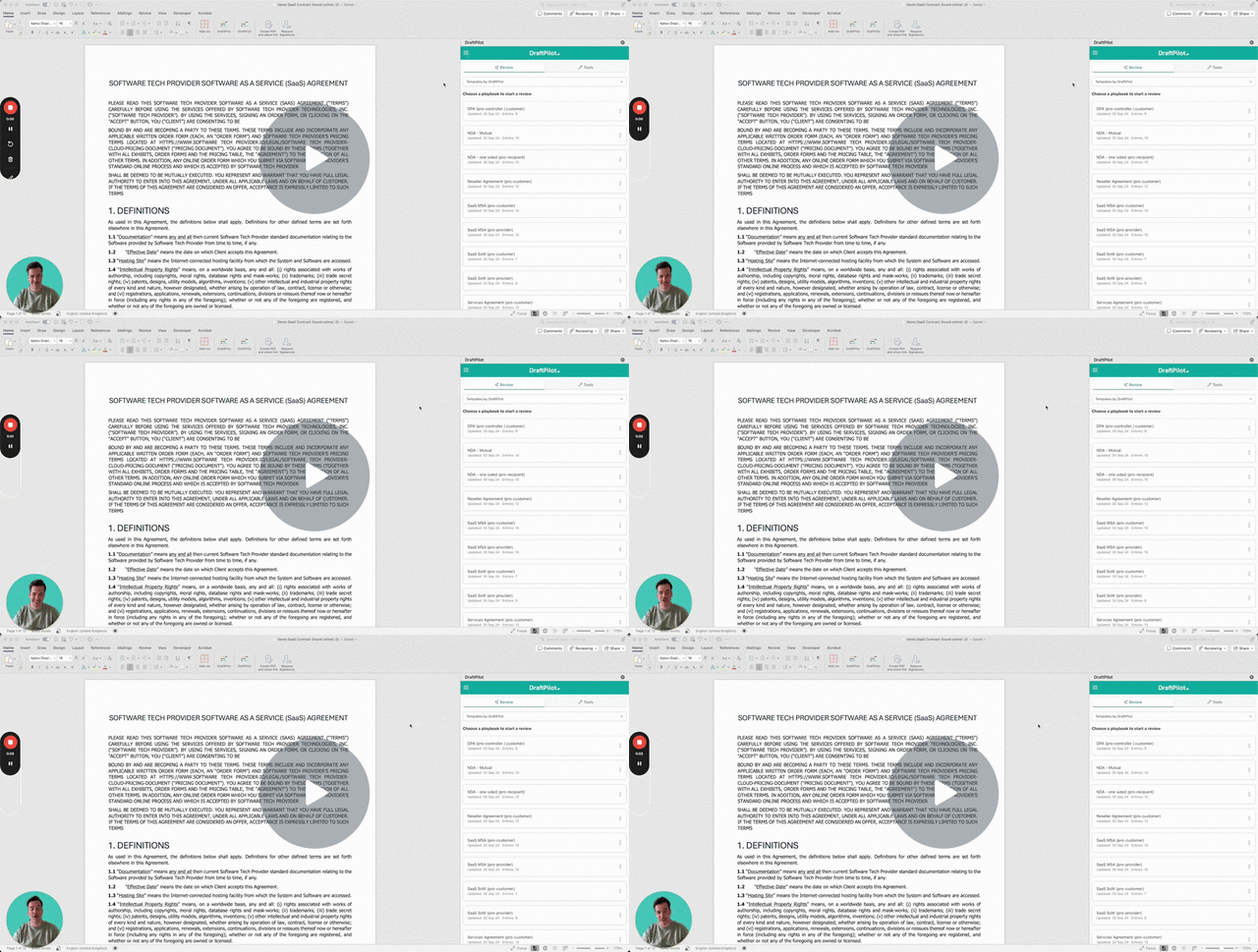
The below video will set out how you can:
select a playbook,
run an AI review,
view, tweak and insert redline suggestions,
view, tweak and insert 'justifications' to explain the changes to your counterparty.
Knowledge Base - Running an AI review - Watch Video
Reviewing counter mark-ups on your redline (eg round 2 or 3 of any negotiation):
The video below shows how to use DraftPilot to review tracked changes made by the other side after you’ve sent them your initial markup on third-party paper.
You’ll learn how to:
1️⃣ Select your playbook
Choose the playbook you used for your original markup.
If you’re reviewing edits on your own template, and you’ve created an Own Template Playbook, DraftPilot will automatically use that too.
2️⃣ Choose which authors DraftPilot should review
When DraftPilot detects tracked changes, it will show all authors who made edits.
You can:
Include only the other side’s edits
Exclude changes made by you or your team
Keep the review clean and focused
3️⃣ Run an AI-powered counter-redline review
DraftPilot will:
Analyse every tracked change the other side made
Compare each edit against your playbook positions and fallbacks
Use your existing fallbacks where available
Generate several response options across different levels of firmness where fallbacks don’t exist
Provide a clear justification for each suggested path
This turns second-round negotiations into a structured, high-quality review.
4️⃣ View, tweak, and insert AI response suggestions
For each clause the other side edited, you can:
Review DraftPilot’s suggested responses
Adjust the language
Insert the selected option as tracked changes directly into Word
5️⃣ Insert and edit justification comment bubbles
Each suggestion includes an editable justification to help you explain your response.
You can tweak or shorten these before inserting them as comment bubbles for the counterparty.
6️⃣ Strengthen your playbook as you negotiate
During the review, you can:
Add missing fallbacks directly inside Word
Or ask the AI to expand a playbook entry with more detailed fallback positions
Your playbook evolves automatically as you negotiate real contracts.